{pageName}
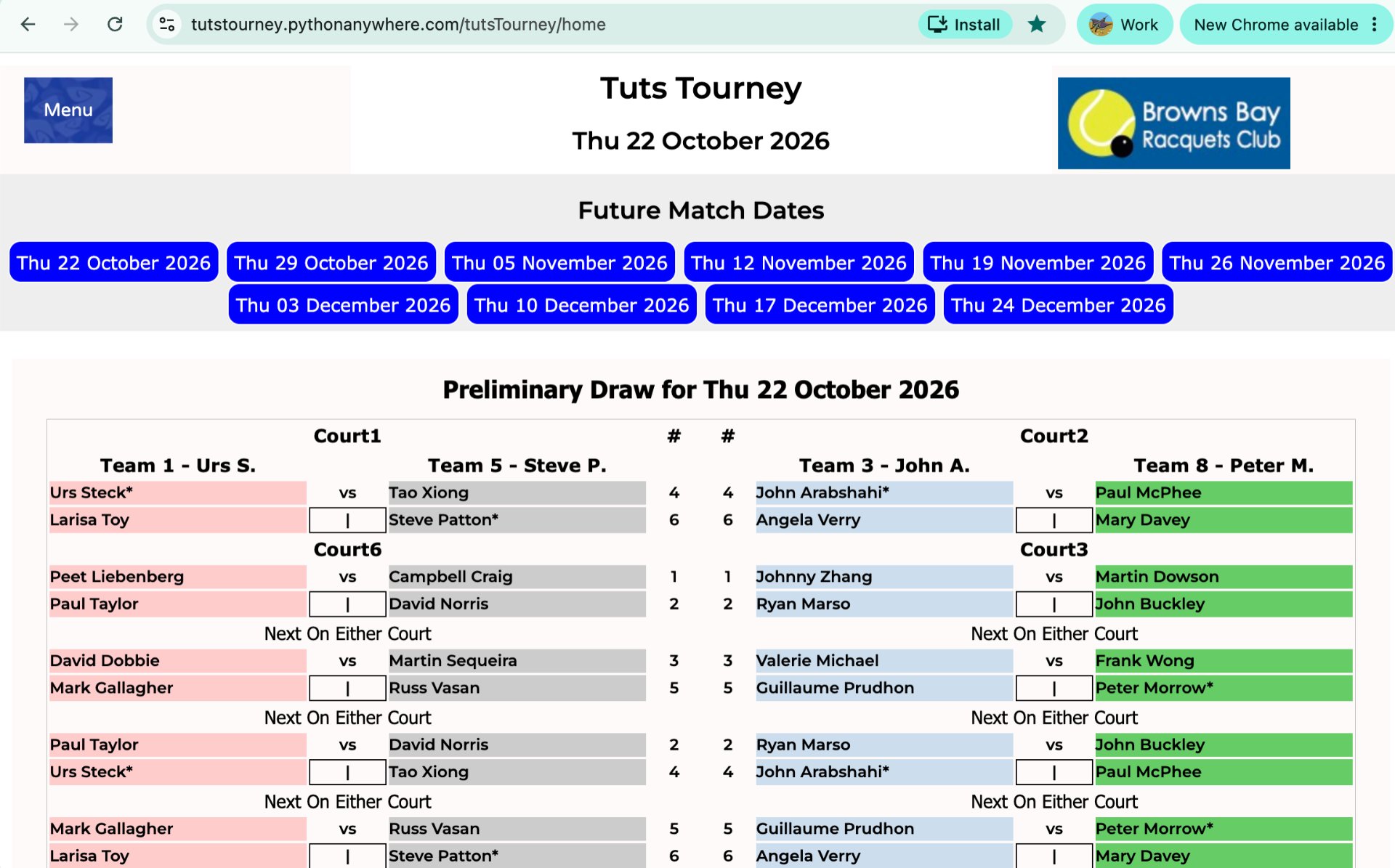
The Tuts Tourney Web App is at:
https://tutstourney.pythonanywhere.com/tutsTourney/home
You can add a button to your phone home screen for quick access if you want:
On iPhone and iPad (Safari)
Open the Apple Safari browser and go to the website you want to save.
Tap the Share button (the square with an upward arrow at the bottom or top of the screen).
Scroll down the menu options and tap Add to Home Screen.
Change the name of the shortcut if you like, then tap Add in the top-right corner. [1, 2]
On Android (Google Chrome)
Open Google Chrome and navigate to the website you want to save.
Tap the three-dot menu icon in the top-right corner.
Tap Add to Home screen or Install (some sites show "Install and create shortcut").
Rename the shortcut if desired, then tap Add or Install to place it on your device. [1, 2, 3, 4]
Get in touch
{clubPhone}
{companyEmail}
{clubAddress}

Social Media